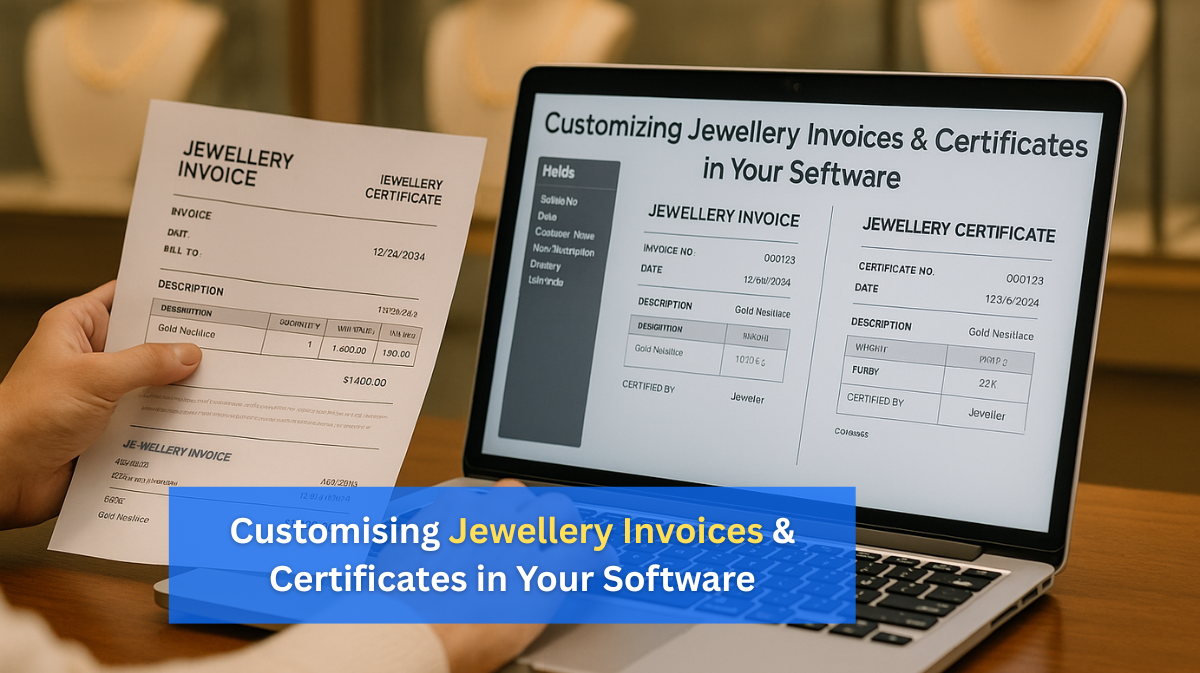
Customising Jewellery Invoices & Certificates in Your Software
In the jewellery industry, presentation plays a huge role in customer perception. A beautifully designed invoice or an elegant authenticity certificate is more than just paperwork — it’s an extension of your brand. With the right jewellery management software, you can customise these documents to reflect your unique style, improve customer trust, and create a premium buying experience.
1. Why Customisation Matters in the Jewellery Business
First impressions last, and every customer touchpoint adds to your brand story. When clients receive a professionally designed invoice or certificate, they are more likely to see your business as reliable and premium.
- Attention to Detail: Shows customers you value quality at every step.
- Builds Trust: Customers feel reassured about product authenticity.
- Premium Buying Experience: Enhances satisfaction and customer loyalty.
- Repeat Business & Referrals: A polished presentation encourages customers to recommend your store.
💡 Example: A customer buying a diamond ring is more likely to treasure your brand if they receive an invoice in your store’s colours and a certificate detailing every facet of the diamond.
2. Types of Documents You Can Customise in Jewellery Software
a) Sales Invoices
A sales invoice is more than a bill — it’s a formal record and a brand statement.
- Include your logo, store colours, and tagline.
- Add customer details, product descriptions, weight, purity, stone details, and GST breakdown.
- Offer both printed and digital formats for flexibility.
b) Authenticity Certificates
These certificates are proof of value and authenticity, giving customers peace of mind.
- List product specifications such as metal type, purity, carat weight, and certification authority.
- Include a unique certificate number for tracking.
- Integrate security features such as holograms or QR codes for verification.
c) Appraisal Reports
These documents help customers understand the value of their purchase for insurance or resale purposes.
- Include estimated market value.
- Attach product images for clarity and identification.
3. Key Features in Software for Customisation
When choosing or using your jewellery software, look for these features to make your documents truly stand out:
- Drag-and-drop template editor – Easily design and adjust layouts.
- Branding tools – Add logos, colours, and fonts matching your brand identity.
- Custom fields – Include special notes, greetings, or warranty terms.
- Security features – Integrate QR codes or barcodes for verification.
- Multilingual support – Cater to diverse customer bases.
4. Steps to Customise Invoices & Certificates
Step 1: Choose a Base Template
Most jewellery software comes with pre-designed templates. Pick one closest to your brand style as a starting point.
Step 2: Add Your Branding Elements
- Upload your high-resolution logo.
- Apply your brand colours and signature fonts.
- Add your store tagline for consistency.
Step 3: Include Essential Product Details
- Metal purity (e.g., 22K gold, 18K gold).
- Weight and stone details.
- Certification numbers for authenticity.
Step 4: Add Security Features
To prevent counterfeiting, include:
- QR codes linking to product verification pages.
- Watermarks with your store name.
- Hologram stickers for physical copies.
Step 5: Set Default Layouts
Save your customised template as default to ensure consistency across all transactions and branches.
5. Best Practices for Professional-Looking Documents
- Keep the layout clean and easy to read.
- Use high-quality images for logos and product pictures.
- Avoid overloading the document with excessive details.
- Always test print samples to verify colour accuracy and font readability.
6. Benefits of Customising with Jewellery Software
By investing time in customising your invoices and certificates, you gain multiple advantages:
- Time-Saving: Pre-set designs mean faster printing and emailing.
- Brand Recall: Every time the customer looks at the invoice, they remember your store.
- Compliance: Ensure all legal requirements such as GSTIN, hallmark info, and certification details are included.
- Customer Confidence: Detailed documents reassure customers about their purchase.
7. Example of a Professional Jewellery Invoice Layout
A standard invoice might include:
- Store logo, name, and contact details at the top.
- Customer details and invoice number.
- Product details: metal type, purity, weight, stone info, price breakdown.
- Taxes and total amount payable.
- Warranty terms and return policies.
- QR code for online verification.
Conclusion
Customising invoices and certificates in your jewellery management software is not just a design choice — it’s a business strategy. By aligning these documents with your brand identity, you enhance professionalism, build customer trust, and create a premium buying experience.
In 2025, customers expect more than just a receipt. They value elegant, accurate, and secure documentation that reinforces their confidence in your brand. Make your invoices and certificates work as powerful marketing tools — every document is a reminder of your quality, authenticity, and service excellence.