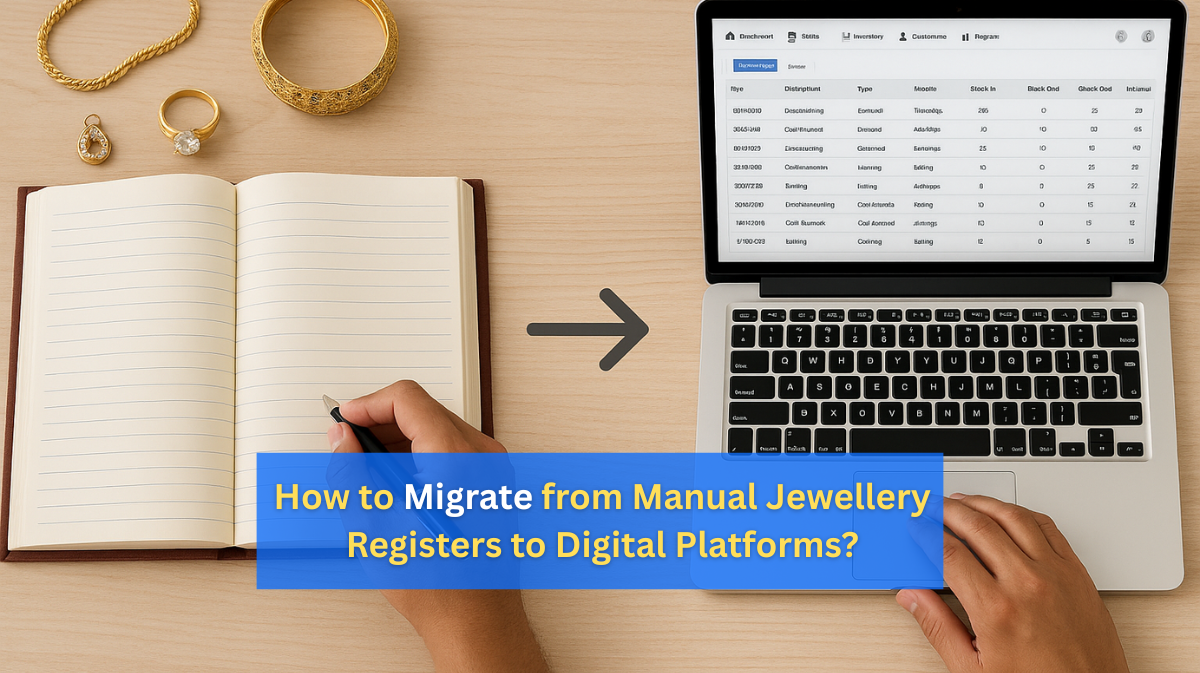
How to Migrate from Manual Jewellery Registers to Digital Platforms
For decades, many jewellery store owners have relied on manual registers to track sales, purchases, and stock records. While traditional methods may feel familiar, they come with significant challenges — slow processes, high error risks, and difficulty scaling as the business grows.
In today’s fast-paced jewellery industry, digital management platforms offer speed, accuracy, and scalability. By migrating to a digital system, you can streamline operations, automate pricing, and manage inventory in real time. However, this transition must be executed carefully to avoid disruption and data loss.
In this step-by-step guide, we’ll explain how to successfully migrate from manual jewellery registers to a fully digital platform in 2025.
Step 1: Understand Why Migration is Necessary
Challenges with Manual Registers:
- High risk of calculation errors and missing entries.
- No backup if physical books are lost, stolen, or damaged.
- Time-consuming audits and physical stock counts.
- Difficult to track daily gold and diamond price changes.
Benefits of Digital Platforms:
- Real-time inventory and pricing updates.
- Automated GST and making charge calculations.
- Quick, professional invoice generation.
- Cloud backups and multi-branch data syncing.
💡 Pro Tip: Digital systems don’t just replace registers — they optimise your entire business workflow.
Step 2: Choose the Right Digital Jewellery Management System
The right software is the foundation of a successful migration. Look for:
- Comprehensive inventory management for gold, silver, diamonds, and gemstones.
- Live bullion price integration for automated pricing.
- Barcode/RFID tracking for faster billing and stock control.
- GST-compliant billing features.
- Multi-branch support if you operate in different locations.
💡 Tip: Cloud-based systems provide real-time access from anywhere, making them ideal for store owners who travel or manage multiple outlets.
Step 3: Audit & Organise Your Existing Data
Before moving to digital, prepare your current data:
- Review all registers — sales, purchases, repairs, pawn/girvi records.
- Remove duplicate or outdated entries.
- Standardise naming for products, categories, and descriptions.
💡 Tip: Clean and organised data ensures a smooth and accurate migration process.
Step 4: Digitise Your Old Records
There are multiple ways to move your old records into a digital system:
- Manual Entry: Add recent transactions directly into the software.
- Bulk Upload: Convert register data into Excel/CSV format and import.
- Scanning & Archiving: Scan old ledgers for future reference and store securely in the cloud.
Step 5: Map Product Details Accurately
Incorrect product mapping can lead to errors in billing and stock tracking. Ensure these details are accurate:
- Product name and category.
- Metal purity (e.g., 22K, 18K).
- Stone details (diamond type, gemstone type, carat weight).
- Total item weight and making charges.
- Purchase/manufacturing date.
Step 6: Train Your Team on the New Platform
Your staff must be confident using the new system. Cover:
- Adding new stock and updating prices.
- Generating invoices and receipts.
- Processing returns and exchanges.
- Analysing sales and stock reports.
💡 Tip: Arrange hands-on practice sessions before making the complete switch.
Step 7: Run the System in Parallel
Before fully committing, operate both manual and digital systems for 1–2 weeks:
- Compare outputs to identify any discrepancies.
- Build staff confidence with the digital workflow.
Step 8: Go Fully Digital
Once your parallel run is accurate and staff are trained:
- Stop manual record-keeping.
- Maintain regular backups of your database.
- Monitor performance and adjust workflows where needed.
Step 9: Maintain and Update Your System
- Keep your software updated for security and new features.
- Review user permissions regularly.
- Periodically audit your data for accuracy.
Key Benefits of Migrating to Digital Jewellery Management
- Time savings on billing and stock checks.
- Reduced risk of human error.
- Better customer service through faster transactions.
- Detailed reporting for smarter business decisions.
- Seamless scaling as your store grows.
Conclusion
Switching from manual registers to a digital jewellery management platform may seem like a big change, but the long-term benefits far outweigh the initial effort. By following a structured migration process — from auditing data to training staff — you can ensure a smooth and successful transition.
Once implemented, digital systems offer real-time insights, enhanced security, and operational efficiency, helping you stay competitive in the fast-changing jewellery market of 2025.